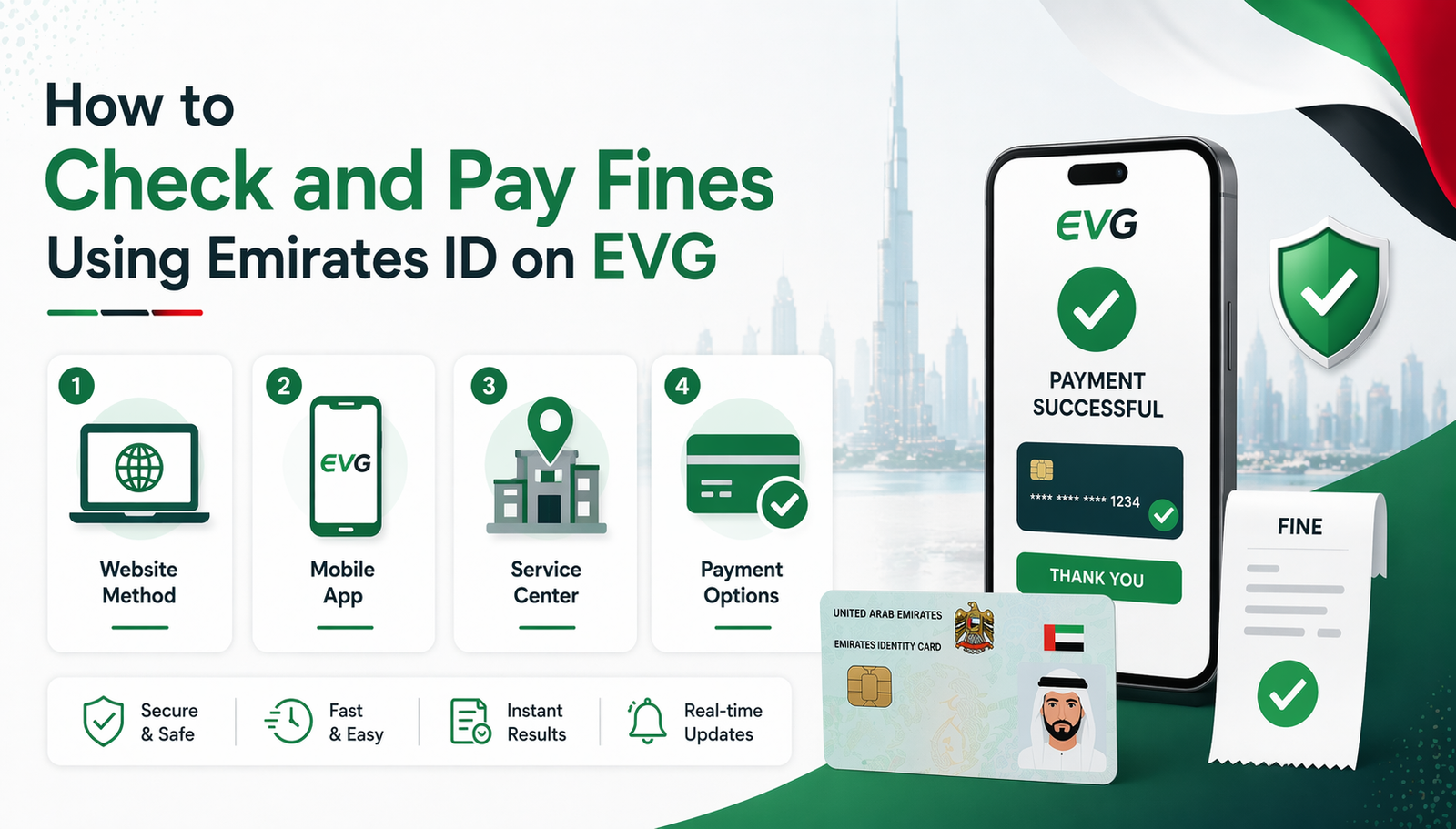
How to Check and Pay Fines Using Emirates ID on EVG?
Checking and paying traffic fines using your Emirates ID on the Emirates Vehicle Gate (EVG) is a quick and convenient process. With just a few steps, you can access your fine details online without visiting any office. Simply log in to the EVG platform, enter your Emirates ID number, and instantly view any pending fines linked to your record. The system also allows you to pay fines securely online using different payment options, helping you save time and avoid late penalties. In this section, we’ll guide you step by step on how to check and pay your fines and without any confusion.
What Is EVG?
EVG stands for Emirates Vehicle Gate. A fancy name for a simple system.
It collects traffic fines from most UAE emirates. Sharjah. Ajman. RAK. Fujairah. Umm Al Quwain. Dubai and Abu Dhabi? They do their own thing. Separate systems. It collects traffic fines from several regions, and you can quickly perform an EVG fine check without complicated steps.
For the other five, EVG is the boss. Here is the good part. EVG accepts Emirates ID as a search option. Type in the ID number. The system finds every fine linked to that person. Fast. Easy. No headaches.
What to Keep Ready
Nothing complicated. Just three things:
- Emirates ID card (physical or digital)
- Mobile number registered with the ID
- Credit or debit card for payment
That’s it. No plate number. No traffic file. No vehicle registration.
The system does the rest.
Method 1: Check Using the Website
The website works on anything. Phone. Laptop. Tablet. No app needed.
Follow these steps exactly:
- Step 1: Go to the official EVG portal. Check the domain. Must end with .ae. Fake sites exist. Don’t get tricked.
- Step 2: Pick the emirate. Where is the car registered? Choose correctly.
- Step 3: Look for “Emirates ID” or “Search by ID.” Click that option.
- Step 4: Type the full Emirates ID number. No spaces. No dashes. Just the digits.
- Step 5: Complete the captcha. Annoying but necessary.
- Step 6: Hit search.
Results show up in seconds. Fine amount. Date. Violation type. Location. Status.
No fines? The screen says zero balance or no records found.
Take a screenshot anyway. Proof matters later.
Method 2: Check Using the Mobile App
Check fines often? Use the app. It’s faster.
Push notifications arrive automatically. No need to remember. The phone alerts when a new fine appears.
- Step 1: Download the EVG app. Apple Store for iPhone. Google Play for Android. Check the publisher name before installing.
- Step 2: Register. Use the mobile number and Emirates ID. An OTP arrives via SMS.
- Step 3: Log in. Find “Traffic Fines” in the menu.
- Step 4: Select “Search by Emirates ID.”
- Step 5: Enter the ID number.
- Step 6: Tap search.
Less than one minute. That’s it.
The app also saves past searches. Good for keeping records.
Method 3: Check at Service Centers
Some people prefer face-to-face. That’s fine too.
Service centers exist everywhere. Traffic departments. Registration centers. Some mall kiosks.
Bring two things:
- Original Emirates ID
- Phone with the registered number
At the counter:
- Hand over the ID.
- The agent pulls all fines.
- Get a printed report.
Wait time? Five to ten minutes. Maybe longer if busy.
How to Pay Fines
Found a fine. Now pay it. Unpaid fines block registration renewal. Late fees also pile up.
Pay on the Website
After search results appear:
- Step 1: Select the fine or fines to pay.
- Step 2: Click “Pay Now.”
- Step 3: Choose a card: Credit or debit.
- Step 4: Enter card details on the secure page.
- Step 5: Confirm the amount.
- Step 6: Save the receipt.
Confirmation comes via SMS and email. The fine status updates within 24 to 48 hours.
Pay Through Bank Apps
Major UAE banks support this. Emirates NBD. ADCB. FAB. Mashreq. DIB.
Steps inside the bank app:
Step 1: Go to “Government Payments.”
Step 2: Select “Traffic Fines.”
Step 3: Choose “Search by Emirates ID.”
Step 4: Enter the ID number.
Step 5: View fines. Tap pay. Done.
No re-entering card details. Receipt appears inside the app.
Pay at Service Centers
Pay by cash, card, or cheque. Get a printed receipt on the spot.
Common Mistakes
Don’t make these errors. They waste time.
- Wrong ID format. Numbers only. No spaces. No dashes.
- Expired ID. The system rejects it. Renew first.
- Wrong emirate. Select where the car is registered. Not where the driver lives.
- Rental or company cars. Fines for those may not link to personal ID. Use plate numbers instead.
- Skipping OTP. The app requires it. No OTP, no search.
- Paying without checking. Always verify the violation details first.
Double-check everything. One mistake means starting over.
No Fines Found?
Nothing showing? Don’t panic. If you’ve already tried an evg fine check Abu Dhabi search and still see no results, there are several possible reasons.
Possible causes:
- No fines linked to that ID. Good news.
- Vehicle under a different ID. Company car. Family member’s car.
- Fines from Dubai or Abu Dhabi. EVG doesn’t cover those.
- ID not linked to the traffic file yet. Happens sometimes.
What to do:
- Try searching with the plate number.
- Visit a service center for manual lookup.
- Call the Traffic Department directly.
Why bother with Emirates ID?
Good question. Here is why.
- No need to find the plate number.
- Works for multiple cars linked to the same ID.
- Faster for people who own more than one vehicle.
- Helpful when buying or selling a used car.
- Checks fines before renewing the ID itself.
One ID. All fines. Simple.
Frequently Asked Questions
Does EVG accept Emirates ID for fine checks?
Yes. EVG fully supports Emirates ID as a search option. No plate number required.
Which Emirates allow Emirates ID fine checks on EVG?
Sharjah, Ajman, Ras Al Khaimah, Fujairah, and Umm Al Quwain.
Does the EVG app save past searches?
Yes. The app saves search history. Useful for keeping records of paid and unpaid fines.
What if the OTP for app registration does not arrive?
Check the SMS spam folder. Ensure the mobile number is correctly registered with the Emirates ID. Still not arriving? Contact EVG support.
Conclusion
Checking fines with the Emirates ID is easy. No plate number. No registration card. Just the ID. Three ways to check. Website. App. Service center.
Pay online, through bank apps, or in person. Always type the ID correctly. No spaces. No dashes. Save the receipt after payment. Wait 48 hours. Confirm the fine cleared.
Knowing how to check evg fine check using the Emirates ID saves time. No last-minute surprises. No registration blocks. Bookmark the EVG website. The next check takes less than a minute. That’s it. Done.