Hafilat Card Balance Check Online Uae & Abu Dhabi
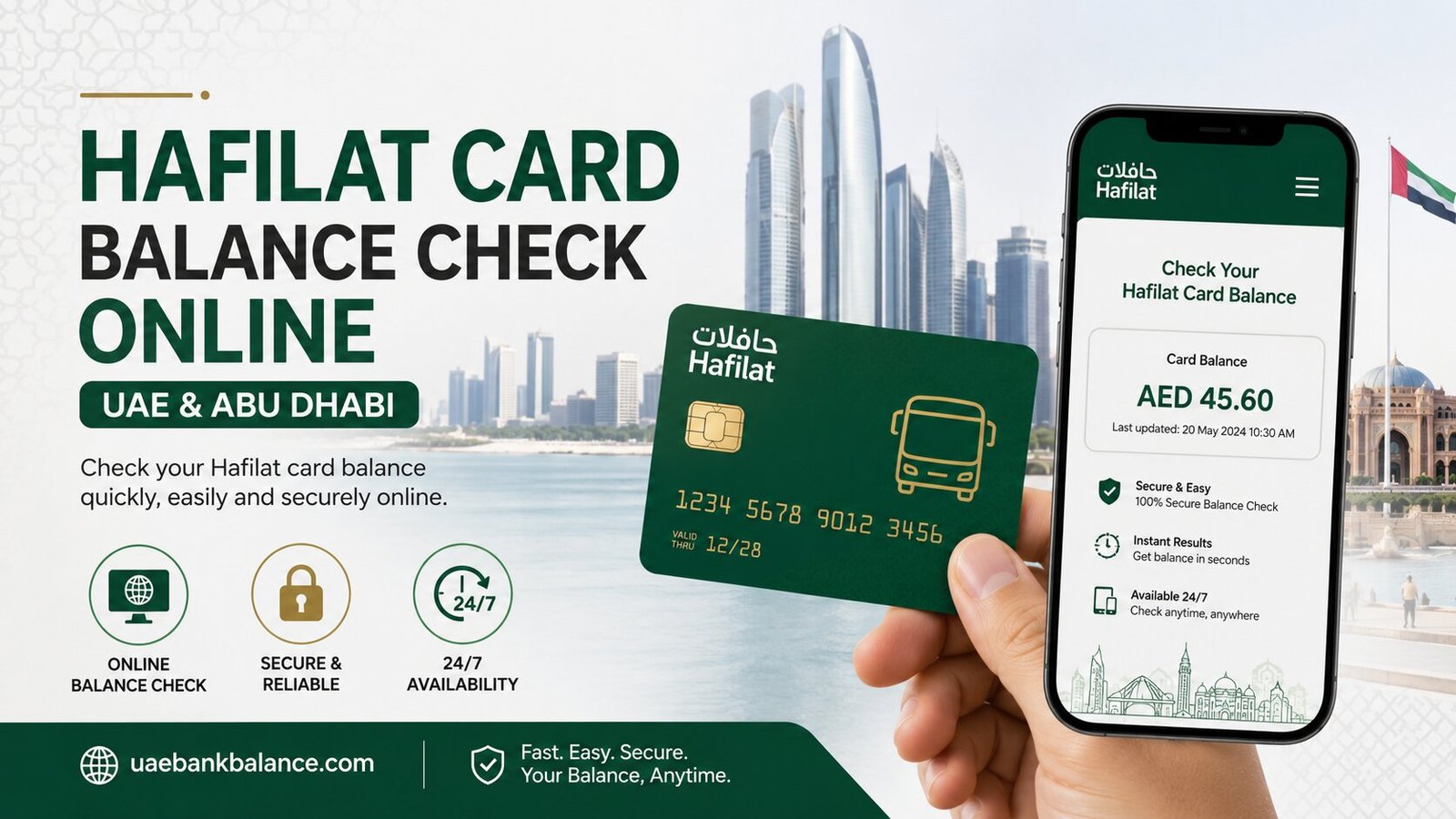
If you use the Hafilat card to travel by bus in Abu Dhabi, knowing how to do a quick Hafilat balance check is just as important as recharging it. A simple balance check before you head out can save you from being stopped at the bus validator with insufficient funds. In this guide, we’ll cover every method available in 2026 to check your Hafilat card balance, explained step by step in plain, simple language.
Whether you’re a daily commuter, a student, or a visitor exploring Abu Dhabi, this article will help you find the Hafilat balance check method that works best for you.
What Is a Hafilat Card and Why Should You Check Its Balance?
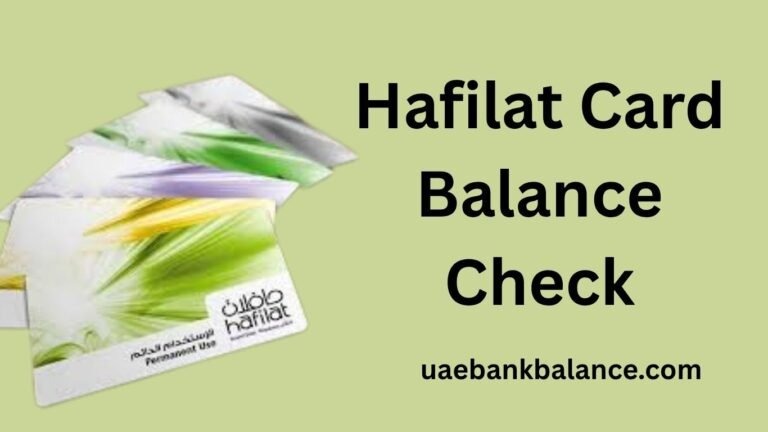
The Hafilat card is a smart, contactless travel card used to pay for bus fares and other public transport across Abu Dhabi, Al Ain, and Al Dhafra. It uses Near Field Communication (NFC) technology, so you simply tap the card on a reader when boarding or exiting the bus, and your fare is deducted automatically.
To board a public bus in Abu Dhabi, your Hafilat card must have a minimum balance of AED 10. While a standard local city trip costs only AED 2, the Integrated Transport Centre (ITC) requires this AED 10 buffer to make sure commuters have enough balance for regional trips or multi-zone journeys without running out mid-way. If your balance drops below this minimum, the bus validator machine will show a red light or an error message, and you won’t be allowed to board.
This is exactly why a regular Hafilat balance check matters. It helps you plan top-ups in advance, avoid delays or denied boarding, and keep track of your monthly travel spending.
How to Check Hafilat Balance Online
Online methods are the quickest way to perform a Hafilat balance check, and most are available around the clock.
1. Hafilat Balance Check via the TAMM Portal (Official Method)
TAMM is Abu Dhabi’s official government services platform, and it now handles all Hafilat balance checks, Hafilat recharge, recharge history, and card management. This is currently the most reliable and recommended method.
Steps to check your balance via TAMM:
| Step | Action |
| 1 | Visit the official TAMM website or open the TAMM mobile app |
| 2 | Click “Sign In” and log in using your UAE Pass credentials |
| 3 | Navigate to “Public Transport” or “Hafilat Card Services” |
| 4 | Select “Recharge Card” — despite the name, this section also shows your current balance |
| 5 | Enter your 16-digit Hafilat card serial number, found on the back of your card |
| 6 | Click “Submit” or “Check Balance” |
| 7 | View your current balance, card expiry date, and recent transactions |
A useful tip: based on real-world testing, some users find that entering the card serial number without the “01-” prefix works better when the portal asks for the serial number. If your first attempt doesn’t return a result, try removing those first two digits.
Downloading the TAMM app is recommended too, as balance checks through the app are often faster than using the website.
2. Hafilat Balance Check via the DARBI App
The DARBI app is Abu Dhabi’s public transport app and offers a simple way to check your Hafilat balance directly from your phone.
Steps to check your balance using DARBI:
- Download the DARBI app from the Google Play Store or Apple App Store
- Open the app and complete registration or log in if you already have an account
- Tap the red round button with the plus (+) sign
- Select “Recharge Hafilat” from the options, which will take you to the Hafilat service page
- Navigate to the corner option labeled “Recharge Card”
- Enter your Hafilat card serial number in the field provided
Tip: When entering your serial number in the DARBI app, do not include the first two digits, “01,” since these are often already pre-filled in the entry field.
- Click the “Ok” button
- Your current Hafilat card balance will be displayed on screen
The DARBI app also lets you view your recent transaction history and top up your card directly if your balance is low.
3. Hafilat Balance Check via the Payit App
The Payit digital wallet, powered by First Abu Dhabi Bank (FAB), also supports Hafilat balance checks and recharges in one convenient place.
Steps to check your balance via Payit:
- Open the Payit app on your device
- Log in using your mobile number, email address, and password, then confirm with the OTP sent to your phone (never share this OTP with anyone)
- Tap “UAE Bills & Recharge” on the Payit dashboard
- From the category list, select “Public Transport”
- Click on “Hafilat Card Balance and Recharge”
- If your card isn’t linked yet, tap “Add New Card” and enter your 16-digit Hafilat card serial number exactly as printed on your card
- Your current balance will be displayed, along with the option to top up if needed
This method is convenient for users who already use Payit for bills and other UAE payments, since it brings Hafilat balance checking into the same app.
4. Hafilat Balance Check via the Official Hafilat Website (Darb)
The original Hafilat website, hafilat.darb.ae, still allows users to check their balance, though it’s increasingly being integrated into the TAMM system.
Steps for this method:
- Go to the official Hafilat website using a web browser or mobile device
- Open the website menu and navigate to “Hafilat Card Services” or “Transportation”
- Select “Recharge Card” or “Hafilat Card Balance”
- Enter your Hafilat card number carefully
- Input any required security code, then click “Submit” or “Check Balance”
- Your balance will be displayed on screen in AED (UAE Dirhams)
Before entering any card details, always check that the website address shows a padlock icon (HTTPS) in the browser bar to confirm you’re on a secure connection.
How to Check Hafilat Balance Offline
If you don’t have internet access, or simply prefer not to use apps, Abu Dhabi’s transport system offers reliable offline ways to check your Hafilat balance.
5. Hafilat Balance Check via Ticket Vending Machines (TVMs)
Ticket Vending Machines are self-service kiosks found at bus stations and major transport hubs across Abu Dhabi.
To check your balance at a TVM:
- Locate a TVM at your nearest bus station
- Insert or tap your Hafilat card on the card reader
- The screen will display your current balance instantly
- Some TVMs also show your recent trip history and card expiry date
This is one of the most comprehensive offline methods, since it can show both your balance and a history of recent fares deducted, making it useful for tracking your travel expenses.
6. Hafilat Balance Check via the On-Bus Card Reader
The simplest and most immediate way to check your Hafilat balance is right on the bus. When you tap your card on the reader while boarding or exiting, the reader screen briefly displays your remaining balance after the fare has been deducted.
While this is a quick and convenient last-second check, it’s a glance-only method and isn’t as detailed or reliable as checking through TAMM, the DARBI app, or a TVM if you need precise figures or transaction history.
7. Hafilat Balance Check via Customer Service Centers
If you’d rather speak to someone directly, Abu Dhabi’s Hafilat customer service centers can assist with balance checks as well as other card-related issues.
To use this method:
- Visit a Hafilat customer service center or call the support line
- Provide your Hafilat card number, printed on the back of your card, or your Emirates ID number
- The agent can confirm your current balance and recent transaction details
- This is also useful if you suspect an error in your balance or need to resolve any card issues
This option is best if you prefer speaking with a person, or if your online access is limited.
Comparing All Hafilat Balance Check Methods at a Glance
| Method | Type | Shows Transaction History | Best For |
| TAMM Portal/App | Online | Yes | Most accurate and official balance check |
| DARBI App | Online | Yes | Smartphone users, combined with recharge |
| Payit App | Online | Yes | Users managing bills and Hafilat together |
| Official Hafilat Website (Darb) | Online | Yes | Browser-based checking |
| Ticket Vending Machines (TVM) | Offline | Yes | Detailed offline check with trip history |
| On-Bus Card Reader | Offline | No | Quick last-second glance while traveling |
| Customer Service Centers | Offline | Yes | Resolving issues or balance disputes |
DARBI vs DARB: Avoid This Common Confusion
Many people mix up DARBI and DARB when searching for ways to do a Hafilat balance check. Here’s the difference:
- DARBI is related to Abu Dhabi public transport. It’s used for bus routes, bus timings, journey planning, traffic updates, and Hafilat card services, including balance checks and recharges.
- DARB is mainly linked to Abu Dhabi’s toll gate services for private vehicles, similar to Salik in Dubai. It is not the place to check a Hafilat card balance or recharge a public bus card.
If your goal is to check your Hafilat balance, always use TAMM, the DARBI app, or the official Hafilat service, not DARB.
Tips for Staying on Top of Your Hafilat Balance
A few simple habits can help you avoid awkward moments at the bus validator:
- Top up before your balance drops below AED 10. This is the minimum required to board, so check and recharge before it gets too low.
- Use auto-recharge if you’re a frequent rider. Many platforms allow you to set up automatic top-ups so you never have to worry about checking manually.
- Take a screenshot after checking your balance. This gives you a quick reference without needing to reopen the app every time.
- Check your balance after every recharge. This confirms your top-up was successful and gives you an updated figure before you travel.
- Explore discounted cards if eligible. Senior citizens, people of determination, and students may qualify for discounted weekly or monthly passes, which can affect how often you need to check and top up your balance.
Frequently Asked Questions About Hafilat Balance Check
What is the minimum balance required to board a bus with a Hafilat card? You need a minimum balance of AED 10 on your Hafilat card to board a public bus in Abu Dhabi, even though a standard local trip costs only AED 2.
Can I check my Hafilat balance without the internet? Yes. You can check your balance offline by tapping your card on a Ticket Vending Machine (TVM), on the on-bus card reader, or by visiting a customer service center.
Which is the most accurate way to check Hafilat balance? The TAMM portal or TAMM app is currently the official and most accurate method, since all Hafilat balance checks, recharge history, and card management now happen primarily through TAMM.
Is DARBI the same as DARB for checking Hafilat balance? No. DARBI is for Abu Dhabi public transport and Hafilat card services, including balance checks. DARB is mainly for toll gate payments for private vehicles and should not be used for Hafilat balance checks.
Why does the on-bus card reader show a different balance than the app? The on-bus reader shows your balance immediately after the fare deduction for that trip, while apps like TAMM or DARBI may take a short time to sync the latest transaction, especially right after boarding.
Can I see my Hafilat transaction history along with my balance? Yes. The TAMM portal, DARBI app, Payit app, official Hafilat website, and TVMs all show your recent transaction history alongside your current balance.
Final Thoughts
A Hafilat balance check is one of those small habits that makes a big difference to your daily commute in Abu Dhabi. Whether you prefer checking through the TAMM portal, the DARBI app, Payit, a TVM at the bus station, or simply glancing at the reader as you tap your card, there’s a method suited to every type of traveler. Make it a habit to check your balance regularly, top up before it drops below AED 10, and enjoy smooth, stress-free travel across Abu Dhabi’s bus network.