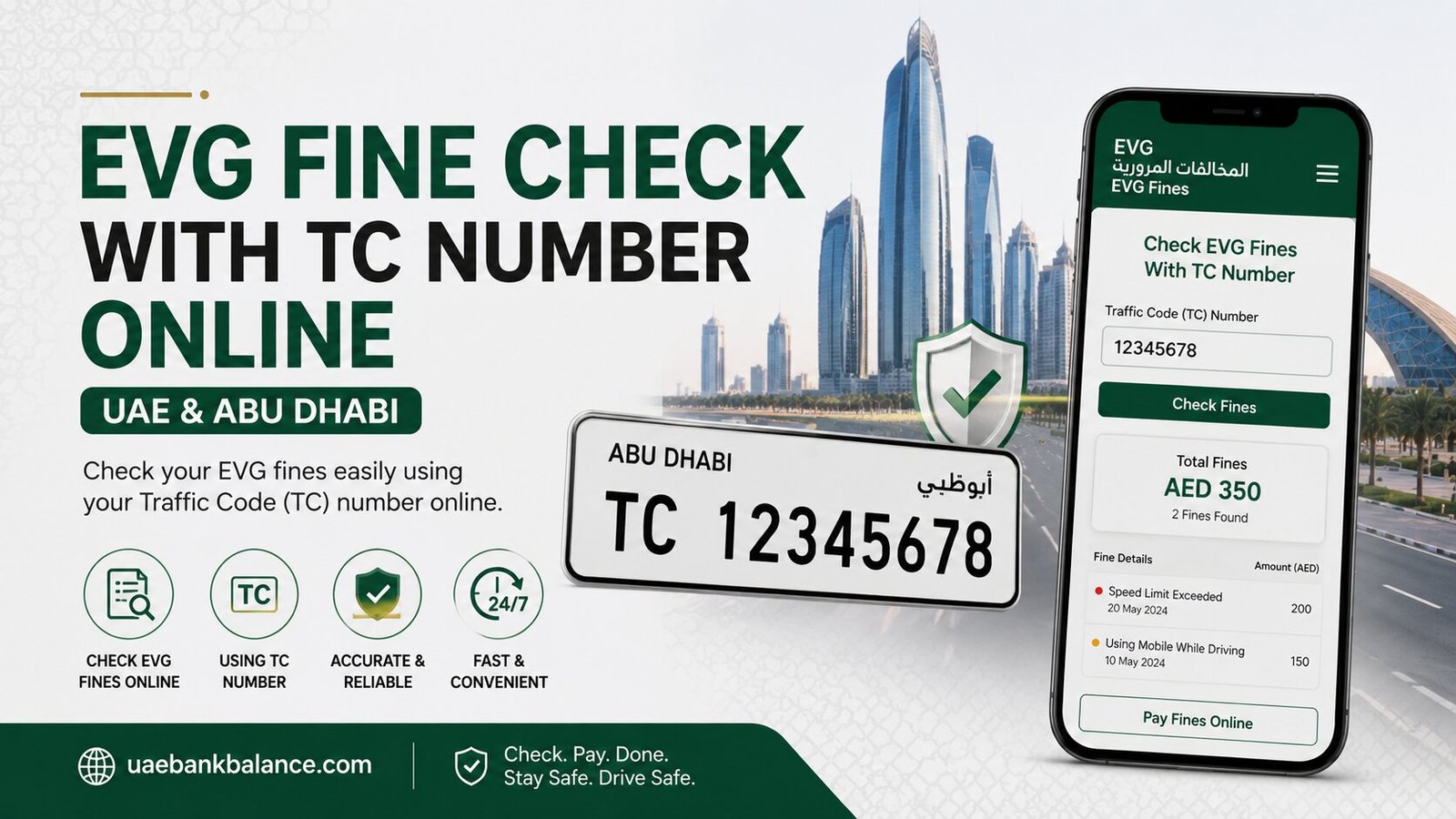
Evg Fine Check With TC Number Online
If you drive in the UAE, doing a regular EVG fine check is one of the smartest habits you can build. It helps you catch unpaid fines early, avoid extra penalties, and keep your vehicle registration and license in good standing. In this guide, we’ll walk through every method available in 2026 to check your EVG fine status, explained step by step in simple, easy-to-follow language.
Whether you drive in Abu Dhabi, Dubai, Sharjah, or anywhere else in the UAE, this article covers the right method for you.
What Is EVG and Why Should You Check for Fines Regularly?
EVG stands for Emirates Vehicle Gate, an online platform in the UAE that allows drivers to check and pay traffic fines without visiting any office in person. It acts as a central system connecting traffic departments across different emirates, giving drivers access to over 50 vehicle-related services, including fine inquiries, registration, and insurance checks.
An EVG fine check shows you several important pieces of information:
- Any unpaid or pending traffic fines
- Black points recorded against your license
- Payment deadlines for outstanding fines
- A record of violations across different emirates, since the system is connected nationally
Since 2025, EVG traffic fine rules have become stricter, with higher penalties introduced for repeat offenses and an expanded list of violations. This makes it even more important to check your fine status regularly, especially after traveling between emirates or during periods of increased traffic enforcement.
Newly issued fines don’t always appear immediately. In some cases, a fine may take up to 48 hours to show up in the system, so checking again after a day or two is a good habit if you suspect a recent violation.
How to Do an EVG Fine Check Online
There are several official online platforms where you can perform an EVG fine check. Each one offers a slightly different experience, so here’s how each works.
1. EVG Fine Check via the Official Emirates Vehicle Gate Website
The EVG official website is often the fastest option, with some users reporting results in under 10 seconds without needing to log in.
Steps to check your fine on the EVG website:
| Step | Action |
| 1 | Go to the official Emirates Vehicle Gate website |
| 2 | Look for the “Pay Traffic Fines” or “Fine Inquiry” service |
| 3 | Choose your search method: by Traffic Code Number, Plate Number, or License Number |
| 4 | Enter the required details for your chosen method |
| 5 | Complete the captcha verification |
| 6 | Click the “Search” button |
| 7 | View any outstanding fines instantly on your screen |
If you spot an error in the displayed fine details, the EVG platform also provides customer care support for quick inquiries.
2. EVG Fine Check via the Abu Dhabi Police Website
For drivers registered in Abu Dhabi, the Abu Dhabi Police e-services portal offers a dedicated EVG Fine Check service.
Steps to check your fine here:
- Visit the official Abu Dhabi Police website
- Go to the electronic services section
- Choose “Traffic Services”
- Click on the “EVG Fine Check” service
- Enter your vehicle plate number in the designated field
- Click the inquiry or search icon
- View the details of any EVG fines linked to your vehicle, with the option to pay directly online if needed
This method is especially useful for Abu Dhabi residents, since it’s directly tied to the local traffic authority’s records.
3. EVG Fine Check via the Abu Dhabi Police App
If you prefer using your smartphone, the Abu Dhabi Police app provides the same EVG fine check service in a mobile-friendly format.
Steps to use the app:
- Download the Abu Dhabi Police app from the App Store or Google Play
- Open the app and log in, or register using your Emirates ID or UAE Pass
- Tap on “Traffic Fines” or “EVG Fines” from the available services
- Enter your vehicle or license details as requested
- View your fines, and pay them directly within the app if any are outstanding
The app allows you to both check and pay EVG fines anytime, making it a convenient all-in-one option for regular drivers.
4. EVG Fine Check via the MOI (Ministry of Interior) Website
The Ministry of Interior website offers a more detailed fine inquiry that includes black points and a fuller violation history, though it usually requires logging in.
Steps for this method:
- Go to the MOI UAE website
- Choose your preferred language
- Create a new account, or sign in using your UAE Pass
- Select “Traffic Fines Inquiry” under “Traffic Services”
- Enter your Emirates ID, plate number, or license number
- Click “Search” to view all outstanding fines
- Pay any fines directly via credit card or other available payment methods
While the MOI website may take slightly longer than the EVG website and requires login verification, it provides more complete data, including black points, which is useful if you’re monitoring your overall driving record.
5. EVG Fine Check via the TAMM Portal
In Abu Dhabi, the TAMM portal has also become a central hub for various government services, including EVG fine checks.
Steps to check your fine through TAMM:
- Visit the official TAMM website or open the TAMM app
- Sign in using your UAE Pass credentials
- Click on the “Services” button in your dashboard
- Search for “EVG Fine Check” or “Traffic Fines” under the relevant category
- Enter your plate number, traffic code number, or other requested details
- View your fine details on screen
TAMM is increasingly becoming a one-stop platform for Abu Dhabi residents, combining services like Hafilat balance checks, EVG fine checks, and other transport-related tasks in a single login.
How to Do an EVG Fine Check Offline
If you’d rather not use a website or app, the UAE also offers offline ways to check your EVG fine status.
6. EVG Fine Check via SMS
A quick SMS-based method is available for checking fine values without needing internet access.
Steps for the SMS method:
- Open the messaging app on your phone
- Write your vehicle plate number in the message body
- Send the message to 2220
- Wait to receive a reply text message showing the value of any fines, if applicable
This method is useful for a quick check on the go, especially if you don’t have time to open an app or website.
7. EVG Fine Check via Phone Call
For drivers who prefer speaking to an automated system or a representative, a phone-based EVG fine check is also available.
Steps for this method:
- Dial 800-3333 from your phone
- Follow the automated response system to access EVG fine services
- Provide the requested details, such as your plate number, when prompted
- Listen to the response for any outstanding fine information
This method works well if you don’t have access to a smartphone or stable internet connection at the time.
Comparing All EVG Fine Check Methods at a Glance
| Method | Type | Login Required | Best For |
| EVG Official Website | Online | No | Fastest results, quick guest search |
| Abu Dhabi Police Website | Online | No (for basic check) | Abu Dhabi-registered vehicles |
| Abu Dhabi Police App | Online | Yes (Emirates ID/UAE Pass) | Checking and paying fines on mobile |
| MOI Website | Online | Yes | Full violation history with black points |
| TAMM Portal | Online | Yes (UAE Pass) | Abu Dhabi residents managing multiple services |
| SMS to 2220 | Offline-friendly | No | Quick check without internet |
| Phone Call (800-3333) | Offline | No | Drivers without smartphone access |
What Information Do You Need for an EVG Fine Check?
Depending on the platform you choose, you may be asked for one or more of the following details:
- Vehicle plate number
- Traffic Code (TC) number
- License number
- Emirates ID number
- Phone number registered with traffic authorities
Having your plate number and Emirates ID ready before you start will make the process faster across almost any method.
What to Do If You Believe an EVG Fine Was Issued in Error
If you think a fine has been issued incorrectly, you don’t have to simply accept it. You can:
- Log in to the EVG website or the Abu Dhabi Police TAMM app to review the fine details
- Check the date, time, and location of the violation against your own records
- Initiate the EVG fine appeal process through the relevant traffic authority, which usually involves submitting your case along with supporting evidence
It’s a good idea to keep records such as toll receipts, GPS logs, or photos that might support your case before starting an appeal.
Frequently Asked Questions About EVG Fine Check
What does EVG stand for? EVG stands for Emirates Vehicle Gate, an online UAE platform that allows drivers to check and pay traffic fines and access other vehicle-related services.
How long does it take for a new fine to appear in the EVG system? In some cases, newly issued fines may not appear immediately and can take up to 48 hours to show up in the system. If you suspect a recent violation, check again after a day or two.
Do I need to log in to check my EVG fine? Not always. The EVG official website and Abu Dhabi Police website often allow basic fine checks using just your plate number, traffic code, or license number, without requiring login. However, the Abu Dhabi Police app, MOI website, and TAMM portal typically require login via Emirates ID or UAE Pass.
Can I check fines for vehicles registered in different emirates? Yes. The EVG system is connected nationally, so drivers can check fines issued in different emirates, such as Abu Dhabi, Dubai, and Sharjah, through the EVG platform.
How can I check my EVG fine without internet access? You can send your vehicle plate number via SMS to 2220, or call 800-3333 and follow the automated instructions to check for any outstanding fines.
Can I pay my EVG fine immediately after checking it? Yes. Most online methods, including the EVG website, Abu Dhabi Police website, Abu Dhabi Police app, MOI website, and TAMM portal, allow you to pay outstanding fines directly after viewing them, using a credit card, debit card, or other digital payment methods.
Final Thoughts
An EVG fine check doesn’t have to be complicated or time-consuming. Whether you prefer the speed of the official EVG website, the convenience of the Abu Dhabi Police app, the detailed records on the MOI portal, or a simple SMS when you’re offline, the UAE offers a method for every type of driver. Make it a habit to check regularly, especially after road trips between emirates, so you can catch and resolve any fines early and keep your driving record clean.