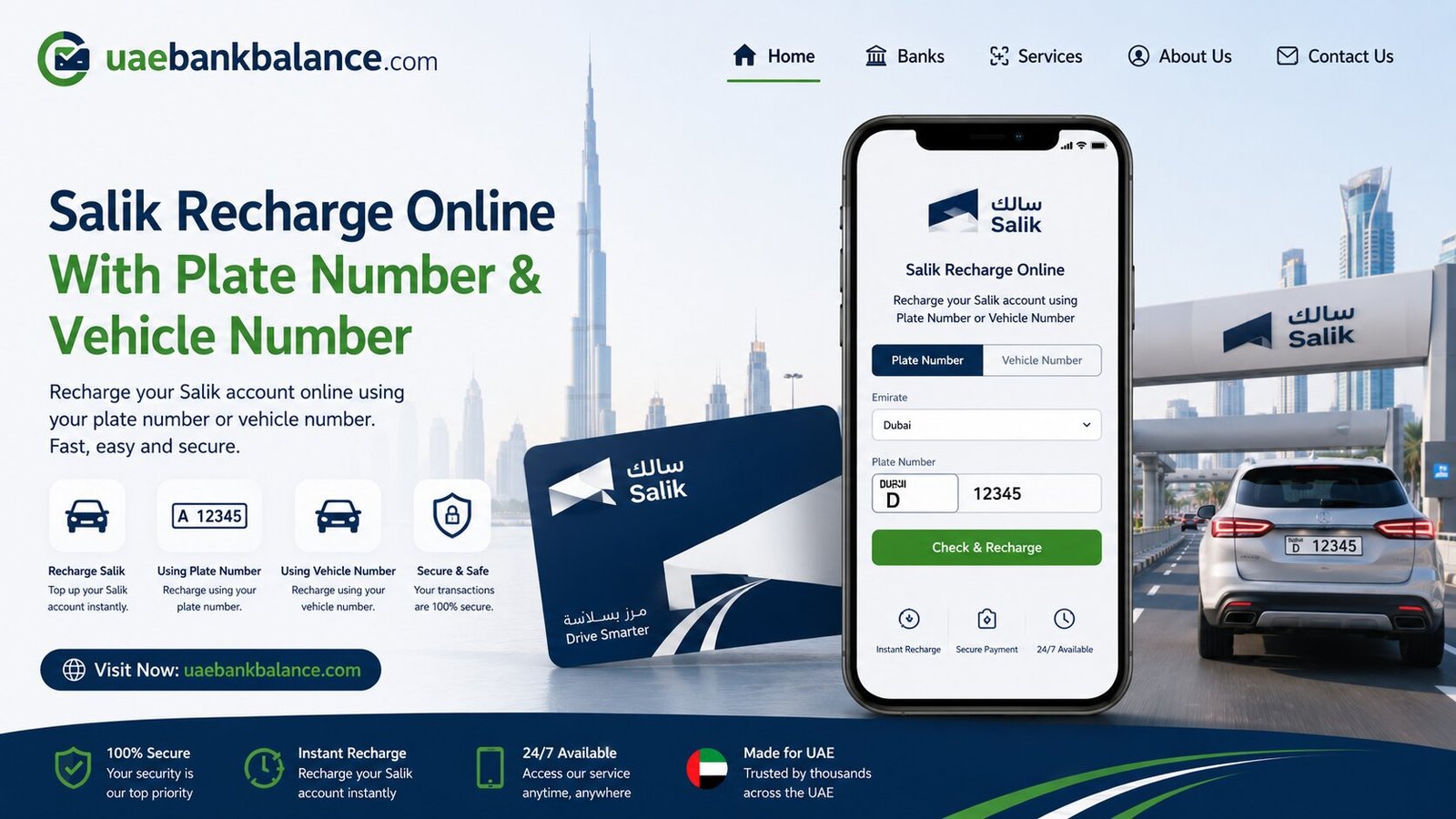
Salik Recharge Online with Plate Number & Vehicle Number
If you drive in Dubai, you’ve definitely come across Salik gates on major roads and highways. Every time your vehicle passes through one, a small toll fee is automatically deducted from your account. To keep driving without interruptions or fines, regular Salik recharge is essential. In this guide, we’ll cover every method available in 2026 to top up your Salik account, explained step by step in simple, easy-to-understand language.
Whether you’re a Dubai resident, a daily commuter, or visiting on a rental car, this article will help you choose the Salik recharge method that fits your needs.
What Is Salik and Why Do You Need to Recharge It?
Salik, which means “clear” or “open” in Arabic, is Dubai’s electronic toll collection system, introduced by the Roads and Transport Authority (RTA) in 2007. Its goal is to reduce traffic congestion and keep vehicles moving smoothly without stopping to pay tolls manually.
Here’s how it works: every vehicle using Dubai’s roads has a Salik tag attached to the windshield. As your car passes through a Salik toll gate, the system automatically scans the tag and deducts a fixed amount from your linked Salik account, no manual payment needed.
The standard toll charge is AED 4 during off-peak hours and AED 6 during peak hours, deducted automatically every time you pass a gate. If your Salik account balance runs too low, you may still pass through the gate, but you’ll be charged a fine of AED 50 if the balance isn’t topped up within the allowed grace period.
This is why keeping enough balance through regular Salik recharge is so important.
How to Recharge Salik Online
Online Salik recharge is the fastest and most convenient option for most drivers, since it’s available 24/7 and doesn’t require visiting a physical location.
1. Salik Recharge via the Official Website
The Salik official website allows account holders to top up directly through online banking, available anytime.
Steps to recharge via the website:
| Step | Action |
| 1 | Visit the official Salik website |
| 2 | Log in to your account using your registered credentials |
| 3 | Go to the “Recharge” or “Top Up” section |
| 4 | Choose your recharge method: online payment or recharge card number |
| 5 | Select the recharge amount |
| 6 | Enter your debit or credit card details to complete payment |
| 7 | Confirm the transaction and wait for the confirmation message |
Most online recharges through the official website reflect on your account instantly or within a few minutes.
2. Salik Quick Recharge by Plate Number (No Account Needed)
One of the most useful features for tourists, guests, or anyone recharging on behalf of someone else is the Quick Recharge option. This lets you top up a Salik account without logging in at all.
Steps for Quick Recharge:
- Visit the official Salik website and look for the “Quick Recharge” feature
- Enter the vehicle’s plate number instead of an account login
- Select your recharge amount
- Pay using a debit or credit card
- The balance updates instantly on the linked Salik account
This method is ideal for rental car users, visitors, or anyone who needs to recharge urgently without remembering account login details.
3. Salik Recharge via the DubaiNow App
The DubaiNow app is an official government services app that bundles together a wide range of Dubai services, including Salik recharge.
Steps to recharge through DubaiNow:
- Download and open the DubaiNow app
- Navigate to the “RTA” section
- Select “Salik” and then “Recharge”
- Choose your recharge amount
- Pay using Apple Pay, Samsung Pay, or a linked debit/credit card
- Confirm the transaction
This method is popular because it supports multiple digital wallets and works seamlessly around the clock.
4. Salik Recharge via the Smart Salik App or RTA Dubai App
In addition to DubaiNow, Salik also has its own dedicated app, along with the RTA Dubai app, both of which support account top-ups.
To recharge using these apps:
- Download the Smart Salik App or RTA Dubai App from the App Store or Google Play
- Log in to your registered account
- Select the “Recharge” option from the main menu
- Choose your top-up amount
- Complete payment using your preferred card or digital wallet
These apps also let you view your trip history, set up notifications, and manage multiple vehicles linked to one account.
How to Recharge Salik Offline
If you prefer not to use apps or websites, Dubai offers several offline Salik recharge options that are just as effective.
5. Salik Recharge via Self-Service Kiosks
Self-service kiosks are placed at various locations across Dubai and are a popular cash-friendly option for Salik recharge.
Steps to recharge at a kiosk:
- Locate the nearest Salik or RTA self-service kiosk (you can find exact locations using the RTA Dubai Drive or Smart Drive app)
- On the screen, select “Salik” and then choose “Recharge” or “Top Up”
- Enter your Salik account number, tag number, or vehicle plate details
- Choose your recharge amount, usually with a minimum of AED 50
- Insert cash as shown on the screen and confirm
- Take your receipt; your balance should update shortly
Kiosks are ideal if you prefer paying with cash and want a printed receipt as proof of payment.
6. Salik Recharge via Recharge Cards
Salik recharge cards are a simple, widely available option that doesn’t require an app, account login, or internet connection.
Here’s what you need to know about recharge cards:
- Available in denominations of AED 50, AED 100, and AED 200
- Sold at petrol stations including ENOC, EPPCO, ADNOC, and Emarat, as well as select retail outlets
- Each card comes with a unique scratch-off number on the back
There are two ways to use a Salik recharge card:
Phone Call Method:
- Call the Salik helpdesk at 800-SALIK (72545)
- Scratch off the number on the back of the card
- Enter the number when prompted by the automated system
- You’ll receive a confirmation message once the recharge is complete
SMS Method:
- Scratch off the number on the back of the card
- Send an SMS in the format: R + 12-digit number + Salik account number + Salik PIN, to 5959
- You’ll receive a confirmation SMS with your new balance
- Note: this SMS typically costs around 30 fils
Recharge cards are especially useful for emergencies since they work on any phone without needing internet or apps.
7. Salik Recharge via Banks and ATMs
Several banks in Dubai offer Salik recharge as part of their ATM or Cash Deposit Machine (CDM) services.
To recharge this way:
- Visit an ATM or CDM that supports bill payments or Salik top-ups
- Select the “Salik Recharge” or equivalent bill payment option
- Enter your Salik account number
- Insert cash or use your linked bank card to complete the recharge
- Collect your receipt as confirmation
This method is convenient if you’re already at a bank or ATM for other transactions.
8. Salik Recharge via Careem or Other Ride-Hailing Platforms
Some ride-hailing and lifestyle apps in the UAE, such as Careem, also offer Salik recharge as one of their bill payment or wallet services, giving drivers another quick option directly from an app they may already use daily.
Comparing All Salik Recharge Methods at a Glance
| Method | Type | Account Login Needed | Best For |
| Official Website | Online | Yes | Account holders managing full details |
| Quick Recharge (Plate Number) | Online | No | Tourists, rentals, urgent top-ups |
| DubaiNow App | Online | Yes | Digital wallet users (Apple Pay, Samsung Pay) |
| Smart Salik / RTA Dubai App | Online | Yes | Managing multiple vehicles, trip history |
| Self-Service Kiosks | Offline | Optional | Cash payments, instant receipts |
| Recharge Cards (Phone/SMS) | Offline | No | Emergencies, no internet needed |
| Banks/ATMs | Offline | Account number only | Combining with other banking errands |
| Careem & Other Apps | Online | Depends on app | Drivers already using ride-hailing apps |
Tips for Hassle-Free Salik Recharge
A few simple habits can help you avoid fines and keep your account topped up smoothly:
- Enable Auto Recharge. Setting up an automatic top-up linked to your bank card is the most reliable way to avoid running out of balance and getting fined.
- Keep a recharge card as backup. A scratch card from any petrol station works even without internet, making it a great emergency option.
- Check your balance regularly. Knowing your current balance helps you decide when and how much to recharge.
- Use Quick Recharge for rental cars. If you’re driving a rental, the plate number method lets you top up the vehicle’s Salik account without needing login details.
- Recharge in bulk if you drive often. Choosing higher amounts like AED 100 or AED 200 reduces how often you need to top up.
Frequently Asked Questions About Salik Recharge
Can tourists recharge a Salik account? Yes. Tourists can recharge Salik using online payment options, kiosks, or retail outlets, even when using rental vehicles equipped with a Salik tag.
What happens if my Salik balance is insufficient when passing a toll gate? You can still pass through the gate, but a fine of AED 50 will apply if the balance is not topped up within the allowed grace period.
Can I recharge Salik without an account number? Yes. Some methods, like Quick Recharge by plate number and SMS recharge using a recharge card, allow you to top up without logging into an account.
How long does Salik recharge take to reflect on my account? Most online and app-based recharges update instantly or within minutes. Some offline methods, such as bank transfers, may take a few hours depending on the provider.
Where can I buy a Salik recharge card? Salik recharge cards in denominations of AED 50, AED 100, and AED 200 are available at petrol stations such as ENOC, EPPCO, ADNOC, and Emarat, as well as select retail outlets.
Is there a minimum amount for Salik recharge at kiosks? Yes, kiosk recharges usually require a minimum amount of AED 50.
Final Thoughts
Salik recharge is designed to be flexible, with options for every type of driver in Dubai. Whether you prefer the convenience of the DubaiNow app, the simplicity of a recharge card from a petrol station, or the cash-friendly experience of a self-service kiosk, there’s a method that fits your routine. The most important thing is to recharge regularly, ideally with auto-recharge enabled, so you can drive through Dubai’s toll gates without worrying about fines or interruptions.