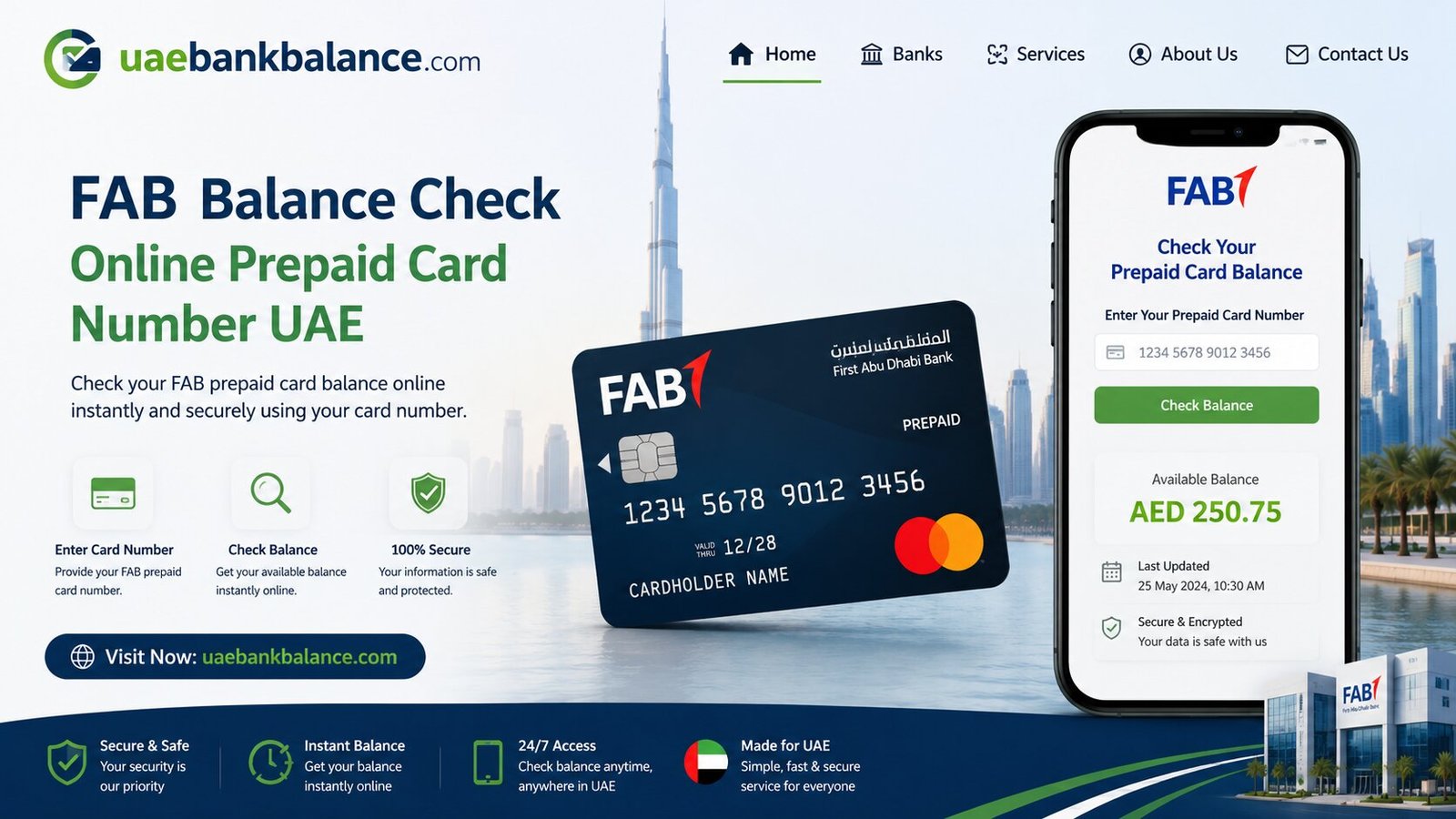
FAB Balance check Online Prepaid Card Number UAE
Keeping track of your money is one of the simplest habits that can save you from surprises like failed payments or overdraft charges. If you bank with First Abu Dhabi Bank, doing a quick FAB balance check is something you can do in just a minute, no matter where you are. In this guide, we’ll walk through every method available in 2026 to check your FAB balance, explained step by step in simple language.
Whether you hold a regular FAB savings account, a Ratibi salary card, a prepaid card, or a credit card, this article covers the right method for you.
What Is FAB and Why Should You Check Your Balance Regularly?
First Abu Dhabi Bank, commonly known as FAB, is one of the largest banks in the UAE. It was formed after the merger of National Bank of Abu Dhabi (NBAD) and First Gulf Bank, which is why many older customers still search for terms like “NBAD balance inquiry” even today.
FAB serves a wide range of customers, including:
- Regular savings and current account holders
- Salary account holders, including those paid through WPS (Wage Protection System)
- Ratibi salary card holders, often used by workers without full bank accounts
- Prepaid card (PPC) holders
- Credit card customers
A regular FAB balance check online helps you in several ways. It lets you confirm that your salary or WPS payment has been credited on time, track your daily spending, avoid insufficient balance charges, and quickly spot any unauthorized transactions on your account. With over 90% of retail banking activity in the UAE now happening through digital channels, checking your balance has never been faster.
How to Check FAB Balance Online
Online methods are the fastest and most convenient way to perform a FAB balance check, available 24/7 from your phone or computer.
1. FAB Balance Check via the Mobile Banking App
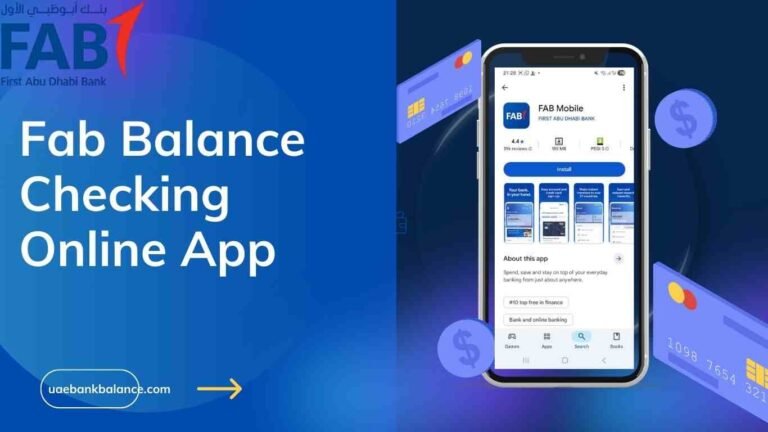
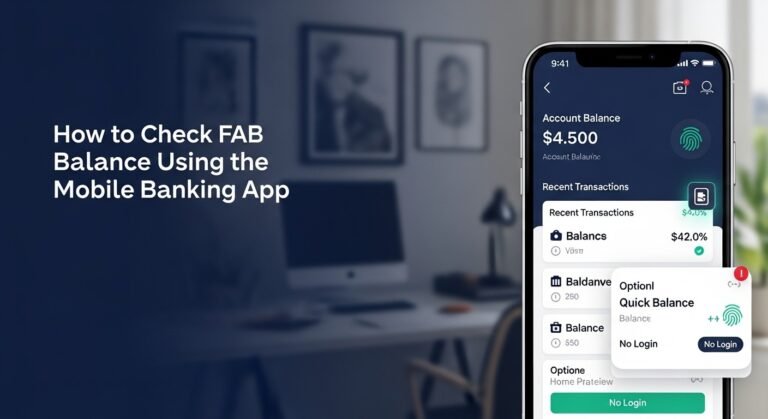
For most FAB customers, the FAB Mobile Banking App is the quickest way to check balance. The app now also supports biometric login for extra security and speed.
Steps to check your balance using the app:
| Step | Action |
| 1 | Download the FAB Mobile App from the App Store or Google Play Store |
| 2 | Open the app and log in using Face ID, fingerprint, or your username and password |
| 3 | Your account balance appears directly on the dashboard |
| 4 | Tap on your account to view “Available Balance” vs “Current Balance” |
| 5 | View recent transactions, transfer funds, or download statements from the same screen |
This method is especially useful for salary account holders who want real-time updates whenever their pay is credited.
2. FAB Balance Check via Online Banking (Website)
If you prefer using a computer, FAB’s internet banking portal gives you full access to your account details from home or office.
To check your balance online:
- Go to the official FAB website
- Click “Login” and select “Personal Online Banking”
- Enter your User ID and password
- Go to the “Accounts” tab to view your current balance, available balance, transaction history, and any pending transfers
- From the same dashboard, you can also download statements, pay bills, and manage transfers
This method is ideal if you want to see a complete overview of your account activity, not just the balance.
3. FAB Balance Check for Ratibi and Prepaid Cards
Many workers in the UAE receive their salaries through a Ratibi card, which is a wage distribution card issued under UAE labor regulations. Ratibi and prepaid cardholders don’t need a full bank account or login to check their balance, just the card details.
Steps for Ratibi or prepaid card balance check:
- Visit the official FAB Prepaid Portal
- Enter the last 2 digits of your card number
- Enter your Card ID, found on the front of the card
- Complete the captcha if required
- Click “Go” to view your available balance instantly
This method is one of the most searched FAB balance check options in the UAE, especially among workers paid via WPS.
4. FAB Balance Check via Payit App
For Ratibi cardholders who prefer an app-based experience, the Payit Wallet app also displays linked card balances.
To use this method:
- Download and open the Payit app
- Log in using your registered details
- Go to “Settings” and enable “Show Linked Card Balances”
- Your Ratibi or prepaid card balance will be displayed within the app
If the balance doesn’t appear correctly, try removing and re-adding your card under the linked cards section, or contact Payit support for help.
How to Check FAB Balance Offline
Not everyone has reliable internet access at all times. FAB offers several offline options that work just as well for a quick balance check.
5. FAB Balance Check via ATM
The ATM balance inquiry is one of the most reliable offline methods, and it works for all FAB cardholders, including Ratibi, prepaid, debit, and credit card holders.
Steps to check your balance at an FAB ATM:
- Locate the nearest FAB ATM. These are available across all UAE cities, including Dubai, Abu Dhabi, Sharjah, Ajman, Ras Al Khaimah, Fujairah, and Umm Al Quwain
- Insert your FAB card into the machine
- Enter your 4-digit ATM PIN
- From the main menu, select “Balance Inquiry”
- Your balance will appear on the screen, and you can print a receipt if needed
No internet, no app, and no smartphone are needed for this method, making it a dependable backup option.
6. FAB Balance Check via SMS
SMS banking is another offline-friendly method that delivers your balance directly to your phone within seconds.
To check your balance via SMS:
- Make sure your mobile number is registered with FAB
- Send an SMS with the code “CBAL” followed by the last 4 digits of your card number to the FAB SMS number (2121)
- You’ll receive your balance instantly via SMS reply
This method works without any data connection and is especially useful for quick checks while traveling or in areas with weak internet coverage.
7. FAB Balance Check via Phone Banking
If you’d rather speak with a representative or use an automated voice system, FAB’s phone banking service is available for balance inquiries.
Steps for phone banking:
- Call FAB customer care from your registered mobile number: 600 52 5500 (within UAE) or +971 2 681 1511 (international)
- Follow the automated voice instructions, or choose to speak with a representative
- Provide your account details for identity verification
- Listen to your current balance, shared either by the automated system or the representative
This method may take slightly longer than digital options but is helpful for resolving more complex account issues alongside your balance check.
Comparing All FAB Balance Check Methods at a Glance
| Method | Type | Internet Needed | Best For |
| FAB Mobile App | Online | Yes | Salary account holders, real-time updates |
| Online Banking (Website) | Online | Yes | Full account overview, statements, transfers |
| Prepaid Portal (Ratibi/PPC) | Online | Yes | Ratibi and prepaid cardholders without full accounts |
| Payit App | Online | Yes | Ratibi cardholders who prefer wallet apps |
| ATM Balance Inquiry | Offline | No | Quick, secure checks without internet |
| SMS Banking (2121) | Offline-friendly | No | Fast checks while traveling or with weak signal |
| Phone Banking | Offline | No | Resolving issues alongside balance check |
Ratibi Card vs FAB Bank Account: What’s the Difference?
Many users get confused between a Ratibi card and a full FAB bank account. Here’s a simple breakdown:
- Ratibi card: A limited-access prepaid salary card designed for workers who do not have a full bank account. It allows employers to pay salaries in compliance with UAE labor law, and balance checks are done using just the card number and Card ID, no full banking login needed.
- FAB bank account: A complete banking relationship that includes fund transfers, online banking, debit and credit cards, and access to the full FAB Mobile App and internet banking portal.
Both are issued by First Abu Dhabi Bank, but they serve different purposes and use slightly different balance check methods, as outlined above.
Tips for Managing Your FAB Balance Effectively
A few simple habits can help you stay on top of your finances:
- Check your balance after every salary date. This confirms your WPS or salary payment has been credited correctly and on time.
- Use SMS or ATM as a backup. If your app or internet banking isn’t working, these offline methods are always available.
- Enable transaction alerts. Many FAB account holders set up SMS or app notifications for every transaction, which makes balance tracking almost automatic.
- Double-check your Card ID when using the prepaid portal. A small typo in your Card ID or last digits is the most common reason the portal fails to show your balance.
- Keep your registered mobile number updated. SMS banking and phone banking both rely on your number being correctly registered with FAB.
Frequently Asked Questions About FAB Balance Check
Is FAB balance check free of charge? Yes. All FAB balance check methods, including the mobile app, online banking portal, ATM, and SMS, are completely free, with no charges for balance inquiries.
Can Ratibi cardholders check their balance without a bank account? Yes. Ratibi cardholders only need their card number and Card ID to check their balance through the FAB Prepaid Portal or the Payit app. A full bank account is not required.
What is the difference between “Available Balance” and “Current Balance” in the FAB app? Current balance reflects your total account balance including pending transactions, while available balance shows the amount you can actually spend or withdraw right now.
How do I check my FAB balance without internet access? You can use an FAB ATM for a balance inquiry, or send an SMS with “CBAL” followed by the last 4 digits of your card to 2121. Both methods work without an internet connection.
Why does my FAB balance check via the prepaid portal fail to load? This usually happens due to an incorrect Card ID or last digits, or a browser issue. Double-check your details, clear your browser cache, or try a different browser before retrying.
Can I still use NBAD balance inquiry methods? NBAD (National Bank of Abu Dhabi) merged into FAB, so older accounts and cards originally branded under NBAD now use the same FAB balance check methods described in this guide.
Final Thoughts
A FAB balance check doesn’t need to involve long queues or branch visits. Whether you’re a salary account holder using the mobile app, a Ratibi cardholder checking through the prepaid portal, or someone who prefers the simplicity of an ATM or SMS, First Abu Dhabi Bank offers a method for every type of customer. Pick the option that fits your routine, check regularly, and stay in full control of your finances.