Hafilat Recharge Online – Complete Guide to Top Up & Balance Check in UAE (2026)
If you use Abu Dhabi public buses, keeping your Hafilat card topped up is essential. Hafilat Recharge Online allows you to add credit to your card anytime without visiting a bus station or ticket office. Whether you’re a daily commuter, student, or tourist, online recharge is the fastest and most convenient way to continue your journey without interruption.
This guide explains how to complete Hafilat Recharge Online, check your Hafilat card balance, and explore other available recharge methods in the UAE.
What Is Hafilat Recharge Online?
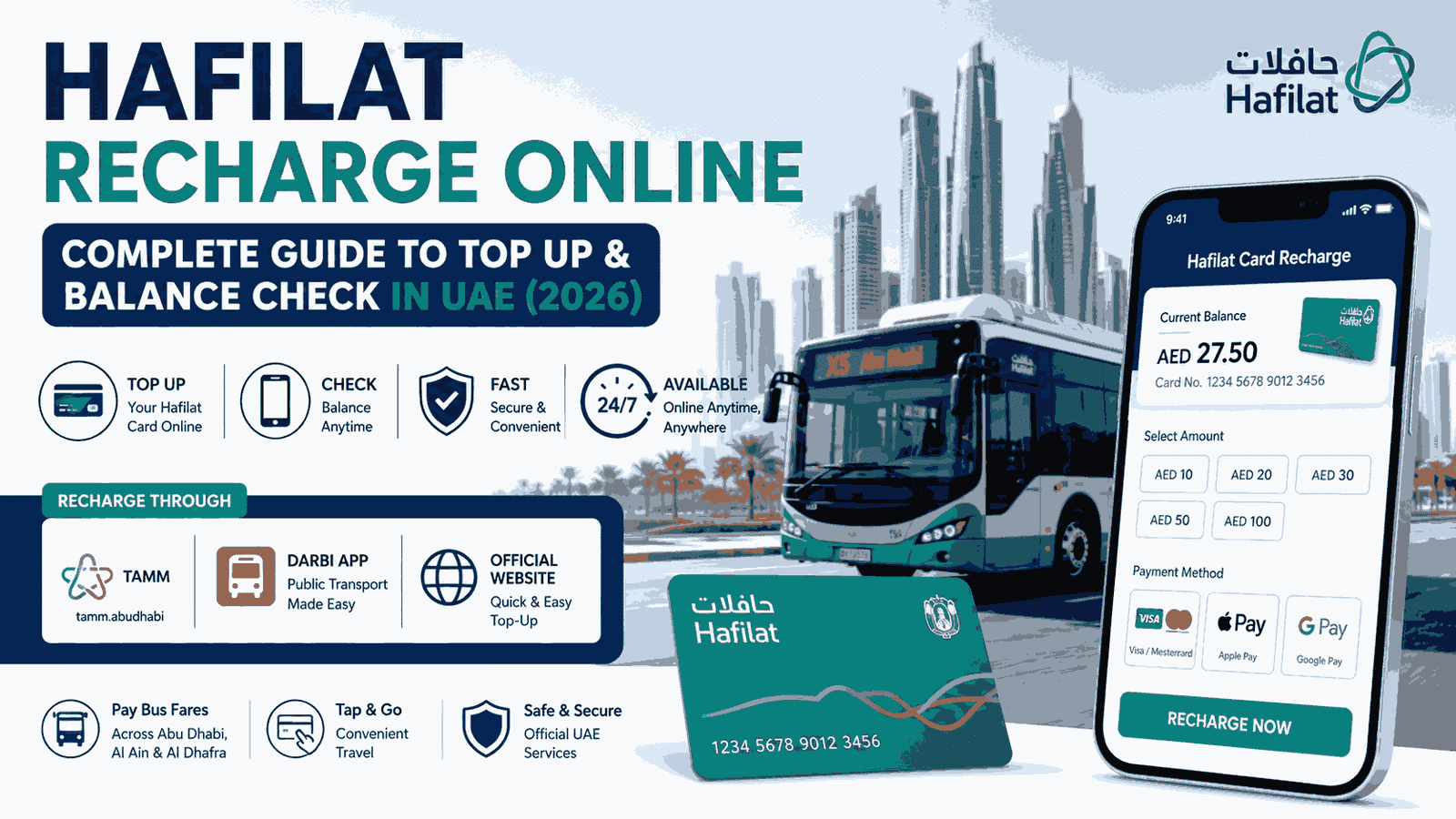
Hafilat Recharge Online is the process of adding money to your Hafilat smart card through official digital platforms. Instead of using cash at a ticket machine, you can recharge your card online using a debit card, credit card, Apple Pay, or Google Pay.
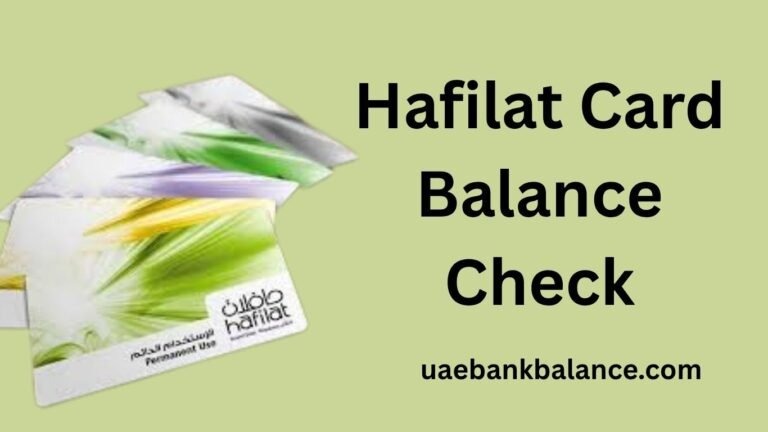
The Hafilat card is used for paying bus fares across Abu Dhabi, Al Ain, and Al Dhafra. Every time you board a bus, simply tap your card on the reader, and the fare is deducted automatically from your available balance.
To avoid travel disruptions, it’s important to recharge your card before the balance runs out.
How to Do Hafilat Recharge Online
There are several official ways to recharge your Hafilat card online.
1. Hafilat Recharge Online Through TAMM
The TAMM platform is the official Abu Dhabi government service portal that allows passengers to recharge Hafilat cards online.
Steps
- Open the TAMM website or mobile app.
- Select Hafilat Card Recharge.
- Enter your 16-digit Hafilat card number.
- Choose the recharge amount.
- Select your preferred payment method.
- Complete the payment.
- Save the payment confirmation.
The updated balance usually appears within two hours after payment.
2. Hafilat Recharge Online Using the DARBI App
The DARBI mobile application also supports Hafilat online recharge.
Steps
- Install the DARBI app.
- Open the Public Transport section.
- Choose Recharge Hafilat Card.
- Enter your Hafilat card number.
- Select the recharge amount.
- Complete the payment.
The app also provides bus schedules, routes, and live transport information.
3. Hafilat Recharge Online Through the Official Website
Passengers can also recharge directly through the official Hafilat online service.
Simply:
- Enter your Hafilat card number.
- Choose a recharge amount.
- Pay using your preferred payment method.
- Wait for the recharge confirmation.
Online recharge services are available 24 hours a day.
Hafilat Recharge Amount Options
Depending on the platform, common recharge amounts include:
| Recharge Amount |
|---|
| AED 10 |
| AED 20 |
| AED 30 |
| AED 50 |
| AED 100 |
Some platforms may offer additional recharge values.
Hafilat Balance Check
After completing Hafilat Recharge Online, you should verify that the balance has been updated.
You can check your Hafilat balance using:
- TAMM portal
- DARBI app
- Ticket Vending Machines (TVMs)
- Bus card readers when boarding
Online recharges normally update within two hours, while machine recharges are usually instant.
Offline Hafilat Recharge Options
If you prefer not to recharge online, you can also add balance through:
Ticket Vending Machines
Located at major bus stations across Abu Dhabi, these machines provide instant balance updates.
Retail Stores
Many authorized outlets offer Hafilat recharge services, including:
- Lulu Hypermarket
- ADNOC Service Stations
- Abu Dhabi Cooperative Society
- Al Ain Cooperative Society
Customer Happiness Centers
Transport service centers can assist with recharge, card replacement, and other Hafilat services.
Hafilat Recharge Online vs Offline
| Method | Processing Time | Best For |
| TAMM | Up to 2 hours | Online recharge |
| DARBI App | Up to 2 hours | Mobile users |
| Official Website | Up to 2 hours | Browser users |
| Ticket Vending Machine | Instant | Urgent travel |
| Retail Stores | Instant to 24 hours | Cash payments |
| Customer Happiness Centers | Instant | Customer support |
Tips for Hafilat Recharge Online
- Recharge before your balance becomes too low.
- Keep your Hafilat card number saved for quicker top-ups.
- Allow up to two hours for online payments to update.
- Use Ticket Vending Machines if you need an immediate recharge.
- Check your balance before travelling.
Frequently Asked Questions
How can I complete Hafilat Recharge Online?
You can recharge your Hafilat card through the official TAMM platform, the DARBI app, or the official Hafilat online service by entering your card number and making an online payment.
How long does Hafilat Recharge Online take?
Online recharge generally takes up to two hours to reflect on your card.
How can I check my Hafilat balance?
You can check your balance through the TAMM platform, DARBI app, Ticket Vending Machines, or by tapping your card on a bus card reader.
What is the minimum Hafilat recharge amount?
Most online services allow recharges starting from AED 10.
Can I recharge another person’s Hafilat card?
Yes. As long as you have the correct Hafilat card number, you can recharge any Hafilat card online.
Final Words
Hafilat Recharge Online is the quickest and most convenient way to keep your travel card ready for bus journeys across Abu Dhabi, Al Ain, and Al Dhafra. Whether you use the TAMM platform, the DARBI app, or the official online service, the recharge process is simple, secure, and available anytime.
Remember to check your Hafilat balance regularly and recharge before travelling to avoid delays during your journey.