ADIB Debit Card – Activation, Balance Check, Types, Limits, Offers and Customer Care UAE
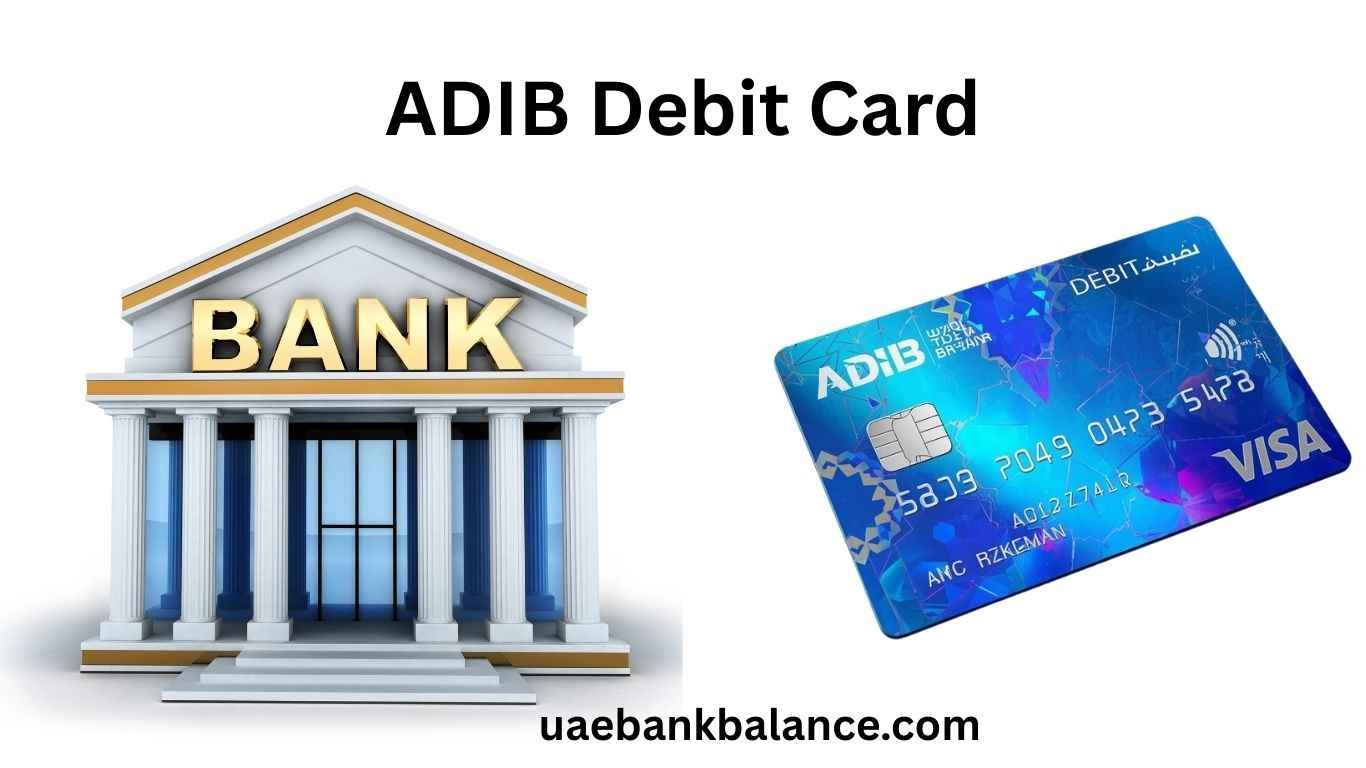
A debit card is one of the most useful tools for daily banking in the UAE. If you have an account with Abu Dhabi Islamic Bank, you will receive an ADIB debit card that allows you to access your account anytime.
With this card, you can withdraw cash, pay for shopping, check your balance, and make online payments directly from your account. It follows Sharia-compliant banking principles, making it suitable for customers who prefer Islamic banking services.
This complete guide explains everything about ADIB debit card, including types, activation methods, balance check options, limits, fees, offers, and customer support for UAE users.
What is an ADIB Debit Card
An ADIB debit card is linked directly to your savings or current account. When you use it, the money is deducted instantly from your available balance.
Unlike credit cards, there is no borrowing involved.
You can use the card for:
ATM withdrawals
Shopping in stores
Online payments
Bill payments
Balance enquiry
International usage
Most debit cards issued by Abu Dhabi Islamic Bank work on global networks such as Visa Inc. and Mastercard.
ADIB Debit Card Types
Abu Dhabi Islamic Bank offers different debit cards depending on your account type.
Standard Debit Card
This card is provided with regular accounts.
Features include:
ATM withdrawals across UAE
POS payments
Online shopping
Balance enquiry
International transactions
Gold / Platinum Debit Card
Customers with higher balances may receive upgraded cards.
Benefits include:
Higher withdrawal limits
Better purchase limits
Exclusive offers
Travel benefits
Privilege Banking Debit Card
Premium customers receive special debit cards.
Features may include:
Priority services
Higher limits
Lifestyle and travel offers
How to Activate ADIB Debit Card
You must activate your debit card before using it.
Activate ADIB Debit Card via ATM
Steps:
Visit an ATM of Abu Dhabi Islamic Bank
Insert your debit card
Enter the temporary PIN
Create a new PIN
Confirm your PIN
Your card will be activated immediately.
Activate via Mobile Banking
Steps:
Open ADIB Mobile Banking App
Log in
Go to Cards section
Select your debit card
Tap Activate Card
Follow instructions to set your PIN.
Activate via Phone Banking
Steps:
Call customer support
Follow IVR instructions
Verify your details
Set your PIN
Your card will be ready to use.
ADIB Debit Card Balance Check
You can check your balance using multiple methods.
ATM Balance Enquiry
Steps:
Insert your card
Enter PIN
Select Balance Enquiry
Your balance will be displayed.
Mobile Banking Balance Check
Steps:
Open ADIB app
Log in
Select your account
Balance will appear instantly.
Internet Banking Balance Check
Steps:
Visit ADIB online banking
Log in
Open Account Summary
Your balance will be shown.
Balance Check at Other Bank ATMs
You can also use other UAE bank ATMs such as:
Some ATMs may charge fees.
ADIB Debit Card Withdrawal Limits
Limits depend on your card type.
Common limits include:
ATM withdrawal per day
POS purchase limit
Online transaction limit
You can check limits in mobile banking.
International Usage of ADIB Debit Card
ADIB debit cards can be used worldwide.
You can:
Withdraw cash abroad
Shop online globally
Pay at international stores
Charges may include:
Currency conversion fees
International ATM charges
ADIB Debit Card Offers and Benefits
Abu Dhabi Islamic Bank provides offers such as:
Shopping discounts
Dining deals
Travel offers
Online cashback
Lifestyle promotions
These offers are updated regularly.
Security Features of ADIB Debit Card
Security features include:
Chip and PIN protection
OTP for online payments
Fraud monitoring
Card blocking via mobile app
Always keep your card details safe.
Fees and Charges
Common charges include:
Other bank ATM usage fees
International transaction fees
Card replacement charges
Check updated fees from the bank.
What to Do if Your ADIB Debit Card is Lost
If your card is lost:
Block the card using mobile app
Call customer care
Request replacement
Check transactions
Act quickly to avoid fraud.
ADIB Customer Care Number UAE
For assistance, contact:
Customer Support UAE
Phone Number:
600 54 3300
International Number:
+971 2 610 0600
Services include:
Card activation
Card blocking
Balance enquiry help
Transaction issues
Replacement requests
Support is available 24/7.
Tips for Safe Debit Card Usage
Never share your PIN
Use secure ATMs
Enable transaction alerts
Check your balance regularly
Avoid saving card details on unknown websites
Frequently Asked Questions
How do I activate my ADIB debit card
You can activate it via ATM, mobile banking, or phone banking.
How can I check my ADIB balance
You can check balance via ATM, mobile app, or internet banking.
Can I use ADIB debit card internationally
Yes, it works worldwide for payments and withdrawals.
What should I do if my card is lost
Block it immediately and contact customer support.
Are there charges for ATM balance enquiry
ADIB ATMs are usually free, but other ATMs may charge fees.