RAKBANK C3 Card Customer Care WhatsApp Number & Toll-Free Number (2026)
If you use a RAKBANK C3 Payroll Card to receive your salary, knowing how to contact customer support is essential. Whether you’ve forgotten your PIN, need to block a lost card, check your balance, report a failed transaction, or resolve a salary-related issue, having the correct customer care details can save you time and help you get assistance quickly.
Many cardholders search for terms like RAKBANK C3 card customer care WhatsApp number, RAKBANK C3 toll-free number, or C3 customer service UAE. One common point of confusion is that although many C3 payroll cards are issued in partnership with RAKBANK, customer support for the card is handled by C3Pay (Edenred UAE). This means that for most card-related enquiries, you should contact the official C3Pay support team rather than RAKBANK’s general banking customer service.
In this guide on Uaebankbalance.com, you’ll find the latest customer care numbers, WhatsApp support details, email address, and the best ways to contact C3Pay. You’ll also learn when to contact C3Pay instead of RAKBANK, common issues the support team can help with, and important safety tips to protect your payroll account.
RAKBANK C3 Card Customer Care WhatsApp Number
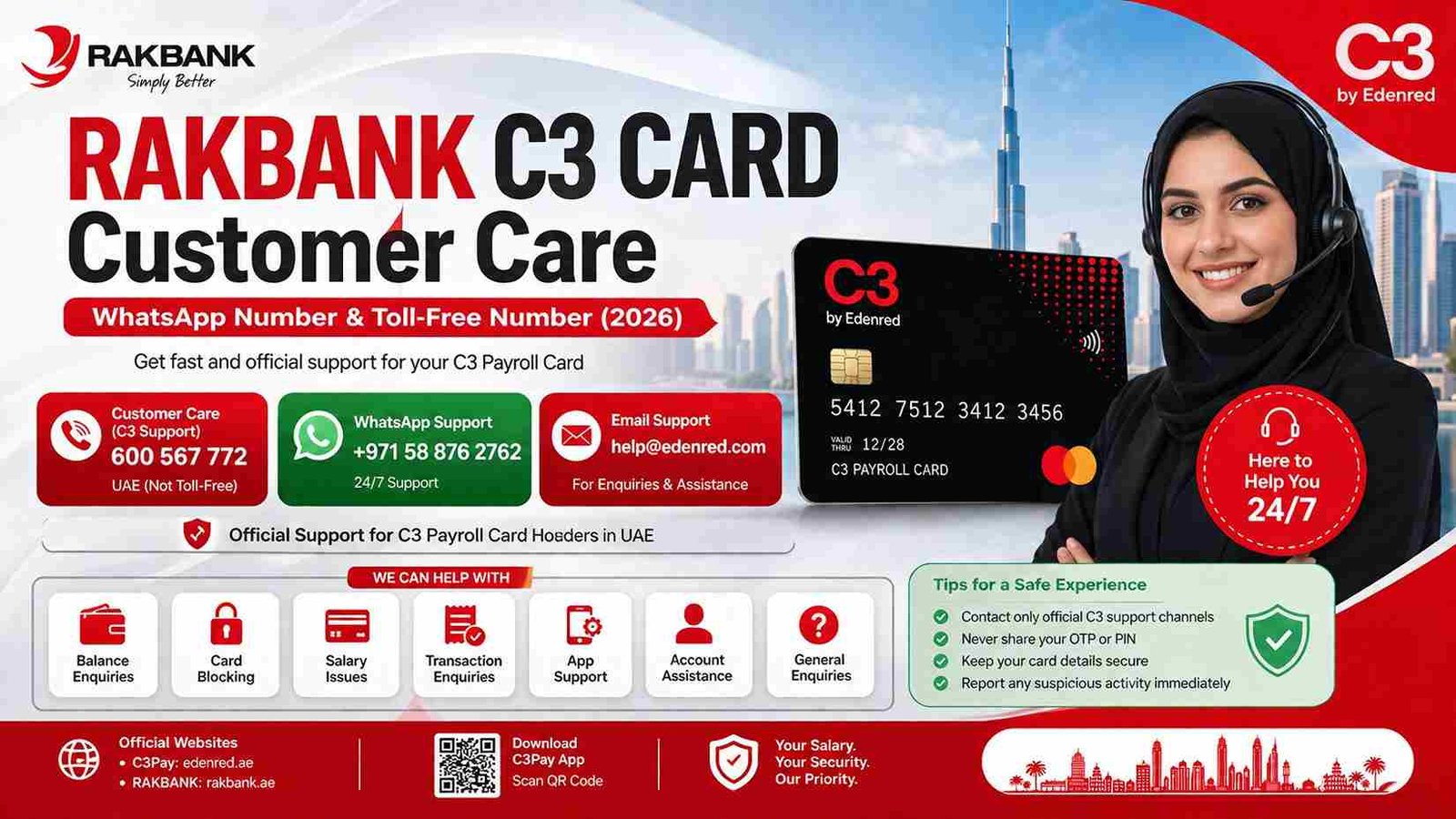
If your enquiry is related to your C3 Payroll Card, use the official C3Pay customer support channels below.
| Support Type | Contact Details |
|---|---|
| Customer Care Number | 600 567 772 |
| WhatsApp Support | +971 58 876 2762 |
| Email Support | help@edenred.com |
| General Enquiries | info.ae@edenred.com |
These contact channels are managed by Edenred UAE (C3Pay), the company responsible for supporting C3 payroll cardholders.
Is the RAKBANK C3 Customer Care Number Toll-Free?
This is one of the most frequently asked questions.
The 600 567 772 helpline is an official UAE customer care number for C3Pay, but it is not a toll-free number. Call charges depend on your telecom provider and mobile plan. C3Pay’s own FAQ specifically notes that this support number is not toll-free.
If you prefer not to call, you can contact the support team through their official WhatsApp channel or email.
Official WhatsApp Support Number
Many users prefer WhatsApp because it is convenient and available around the clock for many support requests.
Official C3Pay WhatsApp Number
+971 58 876 2762
You can use the WhatsApp support service for enquiries such as:
- Card activation assistance.
- Balance enquiry guidance.
- Login problems.
- App registration issues.
- Card blocking requests.
- Transaction enquiries.
- General account support.
Before discussing your account, the support team may ask you to complete identity verification to protect your personal information.
When Should You Contact C3 Customer Care?
The customer support team can help with a wide range of payroll card services. If you experience any of the following issues, contacting C3Pay is usually the fastest solution.
You should contact customer care if:
- Your salary has not been credited.
- Your C3 card is lost or stolen.
- Your card has been blocked.
- You forgot your login credentials.
- You cannot register the C3Pay app.
- Your payment was declined.
- Your ATM withdrawal failed.
- Your balance appears incorrect.
- You notice an unauthorized transaction.
- You need help updating your account information.
Having your registered mobile number and card details ready before contacting support can help speed up the verification process.
C3Pay App Support
Many common issues can also be resolved through the official C3Pay mobile application. After signing in, you can:
- Check your salary balance.
- View transaction history.
- Monitor recent salary credits.
- Send money where available.
- View your ATM PIN after identity verification.
- Receive account notifications.
- Manage selected card services.
If you cannot access the app, the official WhatsApp support and customer care number are the recommended alternatives.
How to Contact RAKBANK C3 Customer Care
Getting help with your C3 Payroll Card is straightforward when you use the official support channels. Whether you prefer calling customer care, sending a WhatsApp message, or contacting the support team by email, choosing the right method can help you resolve your issue more quickly.
Contact Through the Customer Care Helpline
If your issue requires immediate assistance, calling the official C3 customer care number is usually the fastest option.
Before calling, keep the following information ready:
- Your registered mobile number.
- Your C3 Payroll Card (if available).
- Emirates ID details if requested.
- A brief description of your issue.
- Transaction details if your enquiry relates to a payment or ATM withdrawal.
Providing accurate information allows the customer support representative to verify your identity and investigate your request more efficiently.
Contact Through WhatsApp
Many customers now prefer using WhatsApp because it is convenient and allows them to communicate without waiting on a phone call.
To use WhatsApp support:
- Save the official C3 WhatsApp number on your phone.
- Open WhatsApp and start a new chat.
- Send a brief message describing your issue.
- Follow the verification steps if requested.
- Continue the conversation until your enquiry is resolved.
WhatsApp is particularly useful for general enquiries, account guidance, and obtaining information about available services.
Contact Through Email
If your enquiry involves documents or requires detailed explanations, email can be the better option.
Examples include:
- Reporting disputed transactions.
- Providing supporting documents.
- Requesting account clarification.
- Following up on previous complaints.
When sending an email, include only the information necessary to identify your account. Never send your PIN, OTP, password, or complete card number.
Common Problems C3 Customer Care Can Resolve
The customer support team assists payroll cardholders with many day-to-day issues. While some problems can be solved through the C3Pay app, others require direct assistance.
Salary Not Received
One of the most common enquiries relates to salary payments.
If your expected salary has not appeared on your C3 card:
- Confirm with your employer that the salary has been processed.
- Wait for normal banking processing if the payment was made recently.
- Check your balance using the C3Pay app.
- Contact customer care if the salary still does not appear.
In many cases, delays are related to payroll processing rather than the payroll card itself.
Lost or Stolen Card
If your C3 Payroll Card is lost or stolen, act immediately.
Contact customer care as soon as possible to request that your card be temporarily blocked. This helps prevent unauthorized transactions while you arrange for a replacement card.
Card Blocked
A card may become blocked after multiple incorrect PIN attempts, security checks, or suspected unusual activity.
Customer care can explain the reason for the block and advise you on the next steps for restoring access or obtaining a replacement card if required.
ATM Cash Withdrawal Failed
Sometimes an ATM transaction may fail even though the amount is temporarily deducted.
If this happens:
- Keep the ATM receipt if available.
- Note the ATM location and transaction time.
- Contact customer care with these details.
- Avoid repeating the transaction immediately unless instructed.
The support team can investigate the transaction and provide updates.
Incorrect Balance
If the balance displayed in the app or at an ATM appears incorrect, first refresh the application or wait a few minutes in case of a temporary delay.
If the issue continues, customer care can review your recent transactions and help determine the cause.
Difference Between RAKBANK Customer Care and C3 Customer Care
Many users assume RAKBANK handles all C3 Payroll Card enquiries. However, this is not always the case.
The table below explains which support team to contact.
| Issue | Contact C3 Customer Care | Contact RAKBANK |
|---|---|---|
| Salary Card Balance | ✓ | ✗ |
| Lost C3 Card | ✓ | ✗ |
| C3 App Login | ✓ | ✗ |
| Payroll Card Transactions | ✓ | ✗ |
| Salary Credit Issues | ✓ | ✗ |
| Personal RAKBANK Account | ✗ | ✓ |
| RAKBANK Credit Card | ✗ | ✓ |
| RAKBANK Loans | ✗ | ✓ |
If your enquiry relates specifically to your C3 Payroll Card, the official C3Pay customer support team should normally be your first point of contact.
Safety Tips for C3 Payroll Card Users
Payroll cards contain sensitive financial information, making them a target for scammers. Following basic security practices can help protect your salary and personal information.
- Contact customer care only through official C3Pay channels.
- Never share your OTP with anyone.
- Do not reveal your ATM PIN or online password.
- Avoid clicking payment links received from unknown senders.
- Download the C3Pay app only from official app stores.
- Check your salary balance regularly.
- Report suspicious transactions immediately.
- Block your card immediately if it is lost or stolen.
Remaining alert and using only official support channels significantly reduces the risk of fraud.
Frequently Asked Questions
What is the RAKBANK C3 card customer care number?
The official C3Pay customer care number in the UAE is 600 567 772.
Is there a WhatsApp number for C3 customer support?
Yes. Customers can contact C3Pay through the official WhatsApp number +971 58 876 2762.
Is the C3 customer care number toll-free?
No. The 600 customer care number is an official UAE support number, but it is not toll-free. Standard call charges may apply depending on your telecom provider.
Who should I contact if my salary has not been credited?
You should first confirm with your employer that the salary has been processed. If the payment has been sent but is not reflected on your card, contact the official C3 customer support team.
Can I block my C3 card through customer care?
Yes. If your card is lost, stolen, or you suspect unauthorized activity, contact customer care immediately to request that the card be blocked.
Conclusion
The RAKBANK C3 Payroll Card provides a convenient way for many employees in the UAE to receive their salaries. When you need assistance, it is important to know that most payroll card enquiries—including balance issues, card blocking, app support, and salary-related questions—are handled by C3Pay (Edenred UAE) rather than RAKBANK’s general banking support.
Keeping the official customer care number, WhatsApp contact, and email address readily available can help you resolve problems more quickly. Always use official support channels, protect your personal information, and report any suspicious activity immediately to keep your payroll account secure.
Official Resources
- C3Pay (Edenred UAE): https://edenred.ae/
- C3Pay Contact Page: https://edenred.ae/contact-us/
- C3Pay FAQ: https://edenred.ae/faq/
- RAKBANK: https://www.rakbank.ae/